

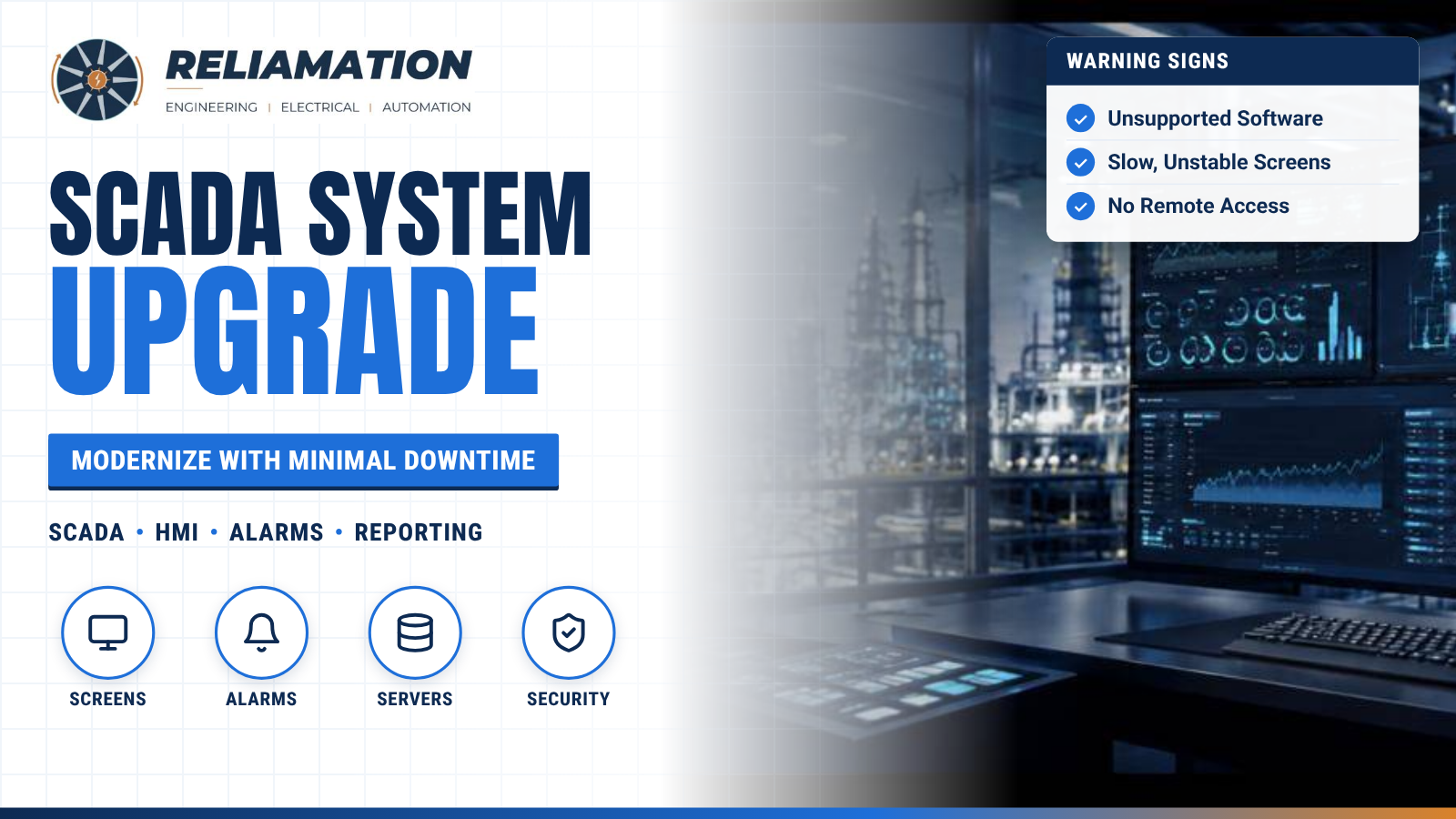
Your SCADA system is how operators see and control the plant. When it gets slow, unstable or hard to support, every shift feels it.
Many US plants still run SCADA software installed ten or more years ago, on old servers and old operating systems. It may still work, but it is often one failure away from a long outage.
This guide covers the warning signs, your upgrade options and a simple plan to modernize with minimal downtime.
Warning Signs Your SCADA Needs an Upgrade
- Unsupported software: The SCADA version or the Windows version is no longer supported by the vendor.
- Aging hardware: Servers or operator stations are slow, noisy or failing.
- Slow screens: Displays take too long to load or update.
- Alarm floods: Operators get too many alarms to act on.
- No remote access: Managers and engineers cannot safely view data off-site.
- Poor reporting: Production data has to be copied by hand into spreadsheets.
- Security gaps: Shared passwords, no user roles and no patching plan.
Upgrade Options
Version upgrade. Move to the latest version of your current SCADA platform. This is usually the fastest option and keeps operators on a familiar system.
Platform migration. Move to a new SCADA platform. This makes sense when the current vendor’s licensing, support or features no longer fit your needs.
Hardware refresh. Replace servers and workstations, often with virtual machines for easier backup and recovery.
Screen redesign. Rebuild graphics using modern HMI design practices. Clear, simple screens help operators spot problems faster.
How to Plan a SCADA Upgrade
- Take inventory. List servers, workstations, licenses, PLCs, drivers and connected systems.
- Talk to operators. Ask what slows them down and what they need to see.
- Set clear goals. For example: fewer nuisance alarms, faster screens, remote viewing or automatic reports.
- Choose the approach. Pick a version upgrade, platform migration or phased mix.
- Build and test offline. Build the new system in parallel and test it before it goes live.
- Run old and new side by side. Where possible, keep the old system running until the new one is proven.
- Train and hand over. Train operators and maintenance staff, then hand over backups and documents.
Keep Downtime Low
A SCADA upgrade does not always mean stopping the plant. The PLCs keep controlling the process while the SCADA layer is upgraded. With good planning, most of the switchover can happen during normal operation or a short planned window.
Do Not Forget Security
A SCADA upgrade is the best time to fix security basics. Add individual user accounts and roles. Separate the control network from the business network. Set up secure remote access. Create a backup and patching routine.
How Reliamation Can Help
Reliamation designs, upgrades and supports SCADA and HMI systems for oil and gas, chemical, water and manufacturing plants. We handle planning, screen development, testing, startup and training. Learn more about our SCADA & HMI Development services.
Need Help Upgrading Your SCADA System?
Contact Reliamation for a free consultation.
Frequently Asked Questions
Get answers to common questions about industrial automation, PLC migration, HMI, SCADA, and control-system integration.
Reliamation provides industrial automation services including PLC programming, HMI and SCADA development, control system integration, legacy control-system migration, industrial networking, data reporting, system troubleshooting, and automation modernization.
Yes. Reliamation helps manufacturers migrate legacy platforms such as PLC-5 and SLC 500 to modern ControlLogix and CompactLogix systems while minimizing production disruption and preserving essential control functionality.
A PLC controls machines and industrial processes, an HMI allows operators to interact with equipment, and a SCADA system provides plant-wide monitoring, control, alarms, historical data, and reporting.
Yes. Reliamation develops custom HMI and SCADA solutions designed around each facility’s equipment, operating requirements, alarm strategy, security standards, and reporting needs.
In many cases, yes. A phased modernization approach can retain compatible equipment while replacing obsolete controllers, communication networks, operator interfaces, and other high-risk components.
Reliamation’s automation and control-system solutions can support manufacturing, food and beverage, plastics, packaging, material handling, water treatment, energy, and other process-driven industries.
Industrial automation can reduce downtime through reliable controls, real-time alarms, equipment diagnostics, historical data, preventive-maintenance insights, and faster troubleshooting.
You can contact Reliamation through the website to discuss your existing control system, operational challenges, modernization requirements, and project goals with an industrial automation specialist.